 Family
Stay in touch
with your family
Family is an app for the people closest to you: video calls, chats, photos and videos, and a map of where your relatives are. Inside are only the people you invited into your family. Free and safe.
What it does
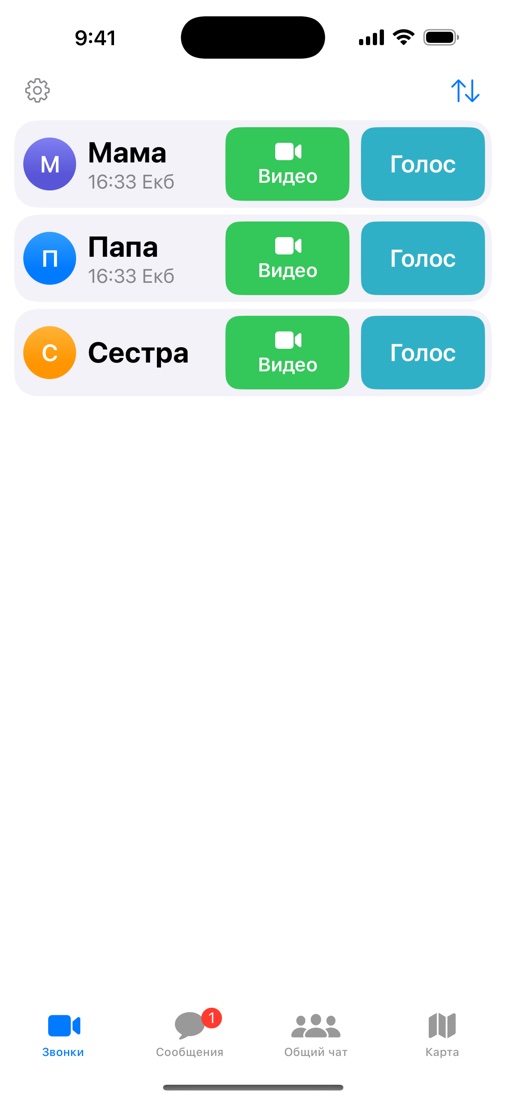
Video and voice
One button, like a phone call. The buttons are big, and the letters follow your phone’s large text setting.
Group calls and screen sharing
Bring someone else from the family into the call. Show your screen to help with a phone or a computer.
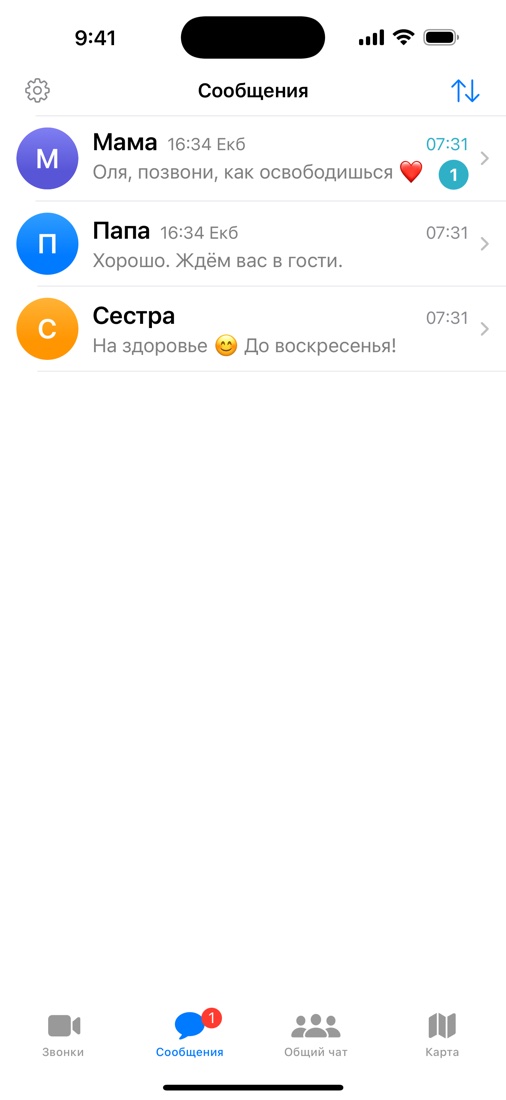
Chats
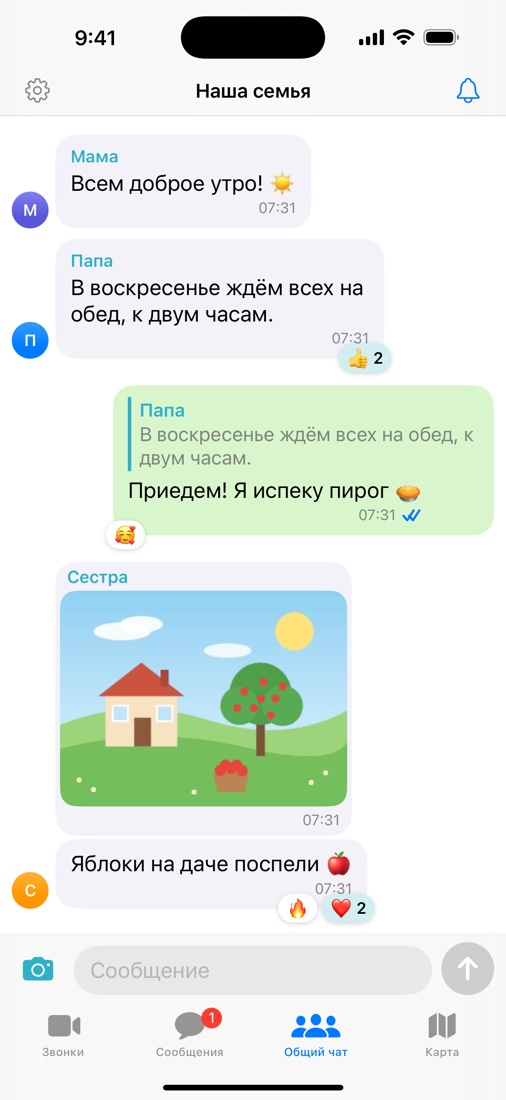
A personal chat with each relative and a shared family chat. You can reply to a message, and fix your own or delete it for everyone within 24 hours.
Photos, videos and files
Photos, videos up to 3 minutes and files up to 50 MB. Photos and videos carry no location data. You can also send from another app: Share → Family.
Reactions
A heart, a thumbs-up, a smile — eight reactions to answer a message with one tap.
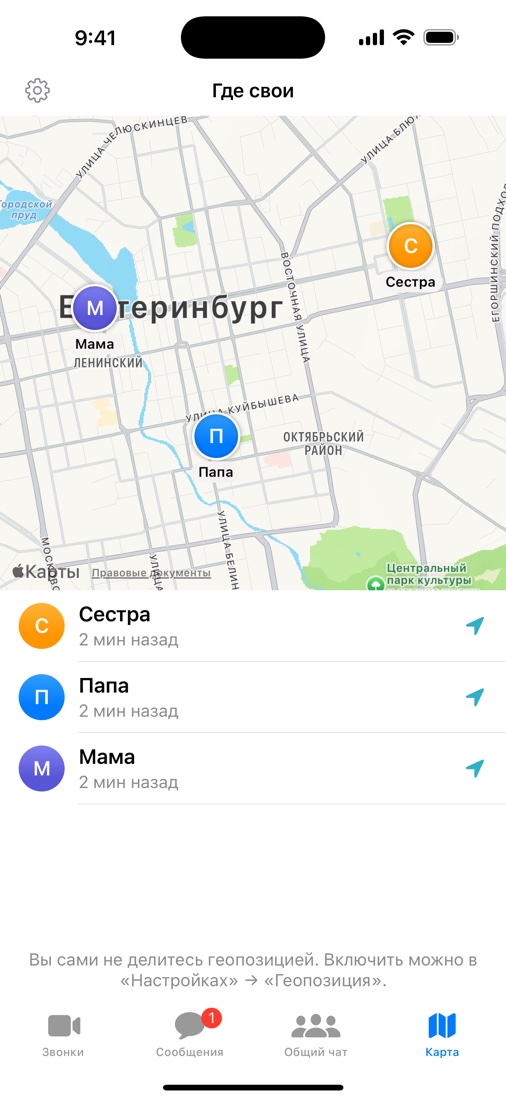
The family map
See where your relatives are now. Everyone decides whether to be shown: nobody sees you until you turn it on. Only the last point is kept.
Their local time
If your relatives live in another city, you see their time under the name: “18:35 Tokyo”. You will not wake them with a call.
Several families
You can be in several families at once — for example, your own and your parents’.
No passwords
Sign in with a code sent to your e-mail or a QR code. Invite relatives with a link: the person installs the app and is in your family right away.
Safe
There are no strangers in Family. So you need not worry about your parents or your children here.
Strangers cannot write
Only the people you invited into your family can message or call you. A stranger will not find you here: there is no people search and no phone numbers.
No fake messages
No “prizes”, no “bank security service”, no links from unknown senders. When “Mum” writes, it is Mum — not a hacked account on a social network or a messenger.
Nothing to trick out of you
There is no password: you sign in with a one-time code sent to your e-mail. You invite your relatives yourself — by link or QR code, and every invitation works once.
How to start
Install Family
On iPhone, Mac or Android.
Sign in by e-mail
You get a 6-digit code — no password.
Invite your family
Settings → “Invite to the family”: a link or a QR code.
Download
iPhone and Mac: Family is in the App Store — the button opens its page. Android: the newest version is behind the “download APK” button. The phone will ask to allow the install, and later the app itself tells you when an update is out. Google Play still has an earlier version; the new one is in review.
Privacy
Only your family sees that you use Family. We show no ads, use no trackers and never sell data. Calls are never recorded. If someone behaves badly, you can block them and report them to us. More about your data.